
Syed Zohaib

My expertise includes Search Engine Optimization Specialist, AI Search Visibility, Answer Engine Optimization (AEO), Generative Engine Optimization (GEO), White Hat SEO, Content Marketing, Organic Growth, and Digital Marketing.

how to earn money online in pakistan for students

How to Earn Money Online in Pakistan for Students 2026

Executive Summary & Modern Search Engine Optimization (AEO / GEO / AIO) Overview The financial realities for Pakistani students have evolved dramatically. Rising tuition fees, inflation, expensive textbook requirements, and daily commuting costs mean relying solely on family allowances or low-paying local part-time jobs is no longer viable. Consequently, thousands of high school, college, and

How to Earn Money Online in Pakistan for Students 2026 Read More »

how-do-you-make-money-fast.jpg

How Do You Make Money Fast: Quick Cash & Digital Income

Executive Summary & Modern Search Engine Optimization (AEO / GEO / AIO) Overview When searchers inquire how do you make money fast, traditional advice recommending decades of index fund investing or months of organic site building fails to resolve their immediate financial urgency. Whether facing emergency bill deadlines, unexpected home repairs, or cash flow gaps,

How Do You Make Money Fast: Quick Cash & Digital Income Read More »

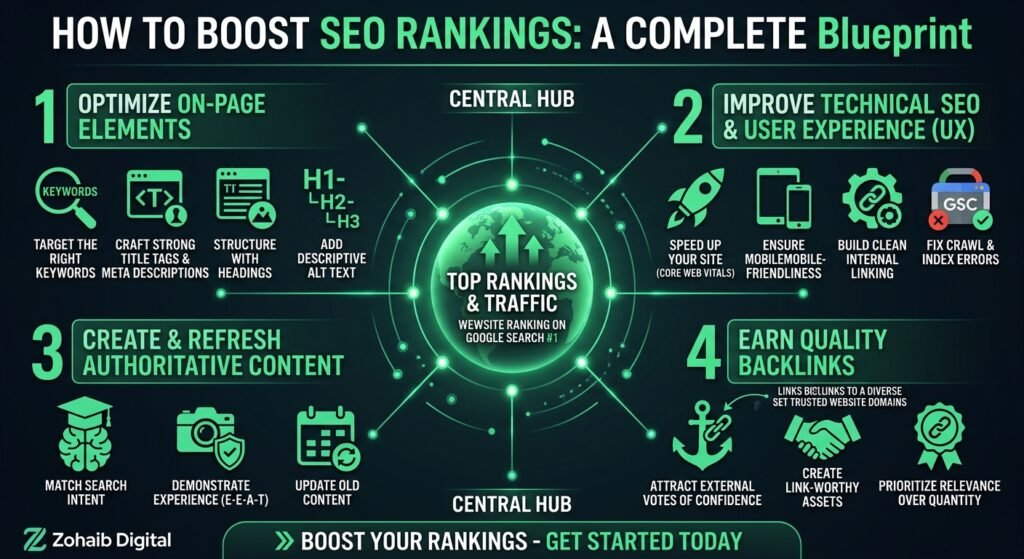
How to Boost SEO Rankings - Featured Image Infographic

How to Boost SEO Rankings: Step-by-Step Guide (2026)

How to Boost SEO Rankings: The Ultimate Step-by-Step Blueprint for Search Dominance Executive Summary & Modern Search Engine Optimization (AEO / GEO / AIO) Overview Search Engine Optimization has underwent a fundamental transformation. Search engines are no longer simple keyword-matching scripts; they are sophisticated, AI-driven answer engines designed to deliver direct, accurate, and deeply authoritative

How to Boost SEO Rankings: Step-by-Step Guide (2026) Read More »

How to Log WordPress Errors with debug.log (2026 Guide)

How to Log WordPress Errors with debug.log (2026 Guide)

Quick answer: To log WordPress errors, set WP_DEBUG and WP_DEBUG_LOG to true in wp-config.php, and set WP_DEBUG_DISPLAY to false so visitors never see the messages. WordPress then saves errors to wp-content/debug.log. Switch debugging off and remove the log when you finish. When a site breaks, guessing is the slowest way to fix it. The faster

How to Log WordPress Errors with debug.log (2026 Guide) Read More »

Scroll to Top